PM Youth Chromebook Scheme Helpline 2026: How to Get Real Help

There is no official phone helpline number for the PM Youth Chromebook Scheme 2026. The official portal, run by IBCC under the Prime Minister’s Youth Programme, publishes no phone number for support — so any number claiming to be the scheme helpline is unofficial.

Real help does not come from a stranger on the phone. It comes from your own education board for record problems, and the official portal for everything else. Below, you will find exactly where to go, how to fix common problems yourself, and how to spot fake numbers before they cost you.

Quick Summary

  • No official phone helpline number is published on the scheme portal.
  • Real help: your education board for record problems, the official IBCC portal for scheme information.
  • 500,000 free Chromebooks for government-school toppers, each with an internet device.
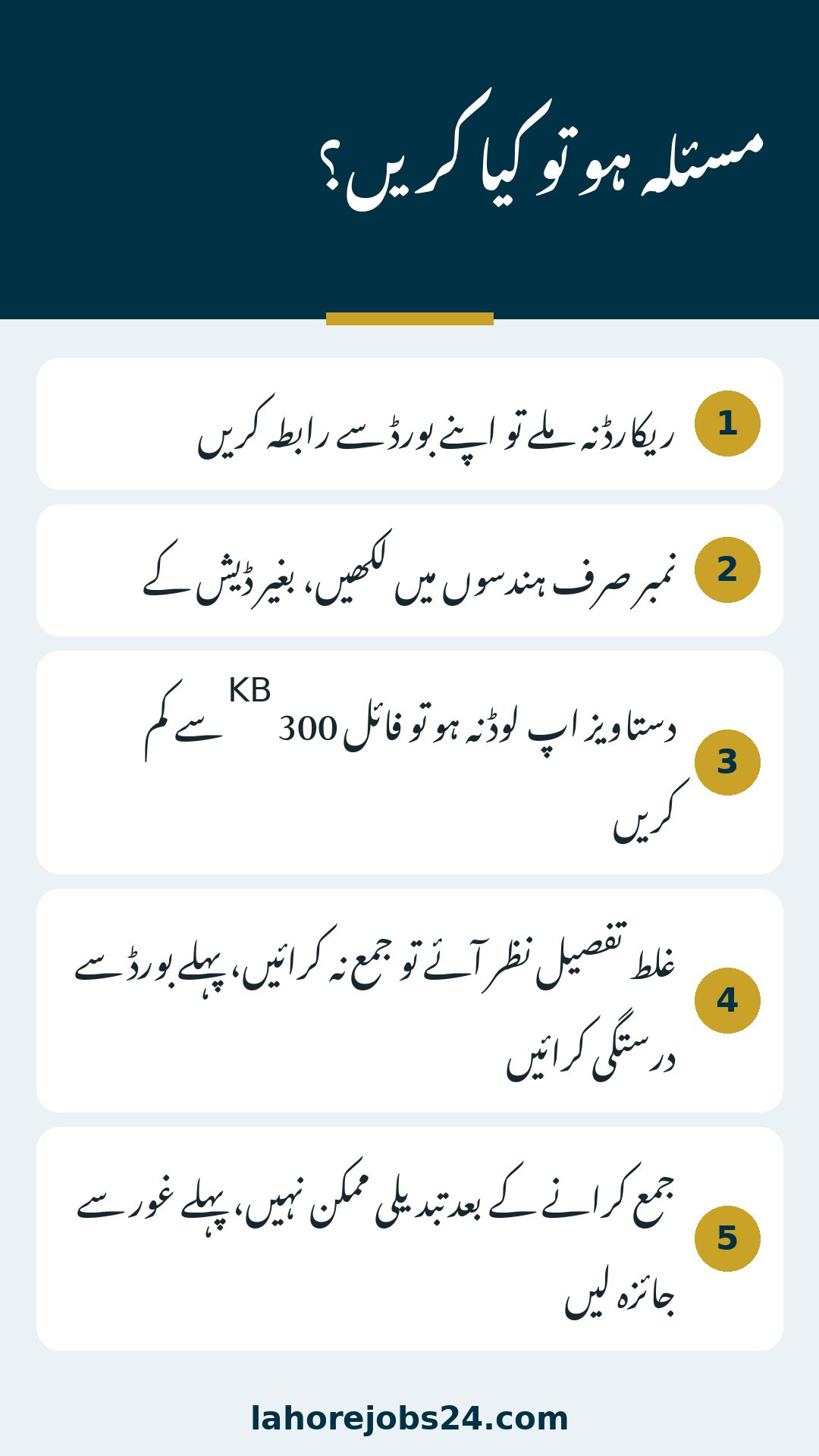
  • Four documents required, each file 300 KB or smaller.
  • Record not found? Contact your board. Never pay anyone or share documents with strangers.

The Honest Answer: No Official Helpline Number

The official portal’s homepage carries no phone number anywhere, and no official scheme material announces one either. Many students waste days calling numbers from forwarded messages, and some of those numbers collect personal information.

  • No phone number appears on the official portal.
  • A number shared in a forwarded message, comment or video is not verified by IBCC.
  • Calling such a number cannot speed up your application.
  • Never share your CNIC, B-Form, roll number or documents with anyone claiming to be the helpline.

The Real Help Route: Your Education Board

Your SSC-I record comes from your education board, and IBCC verifies it. That makes your board the real authority for record problems.

  • Record not found on the portal: your board can check whether your record exists and matches.
  • Roll or registration number mismatch: your board holds the correct number as registered.
  • Date of birth mismatch: your board record is the version IBCC checks against.
  • Sindh students: registration opens after all Sindh boards announce 2026 9th-grade results, so a missing record may just mean the result is not out yet.

Take your mark sheet and identity document to your board’s office, and ask staff to check your record, roll number and date of birth exactly as registered.

See also  PM Youth Chromebook Scheme 2026 Selection, Quota & Merit List

Common Problems and How to Fix Them

Most problems have simple fixes — work through this table first.

ProblemWhat to Do
Record not foundContact your own education board to check your record
Number rejectedEnter digits only, without dashes, exactly as on your record
Document upload failsCheck each file is 300 KB or less and is the right document
Wrong details shownDo not submit — get your board record corrected first
Submitted by mistakeEntries cannot be changed after submission, so review first
  • Search with your CNIC or B-Form number as printed.
  • Enter your roll or registration number in digits only, with no dashes.
  • Enter your date of birth exactly as on your board record.
  • One wrong digit, or one dash, can make a real record look missing.

Fake Helpline Numbers: How to Spot Them

Fake numbers spread fast when a popular scheme launches, and the pattern is always similar.

  • It asks for money, a fee, or a payment for registration or selection.
  • It asks for your CNIC or B-Form photo, or for copies of your documents.
  • It promises to guarantee your selection.
  • It claims to open early registration for students waiting on results.

The safe rule never changes: use only the official portal and your own education board.

Why the Scheme Matters: Key Benefits

The genuine scheme is generous, free and merit-based — which is exactly why fake helpers imitate it.

  • 500,000 free Chromebooks for government-school toppers across Pakistan.
  • Launched on 23 October 2026 at the Jinnah Convention Centre, Islamabad, by Prime Minister Shehbaz Sharif.
  • Each Chromebook includes an internet device; one connection benefits up to five people, reaching around 2.5 million people.
  • Merit-based selection on verified SSC-I results, within fixed quotas: Punjab 181,090; Sindh 85,925; Khyber Pakhtunkhwa 51,170; Balochistan 31,815; Islamabad 100,000; Azad Jammu and Kashmir 25,000; Gilgit-Baltistan 25,000.
  • Seminary students are included: one of every five devices goes to a seminary student.
  • Registration is free, and only one application is allowed per student.

How Registration Works: Step by Step

Registration follows a fixed order on the official portal.

  1. Select your board: choose the education board that issued your SSC-I result.
  2. Find your record: enter your CNIC or B-Form number, roll or registration number in digits only, and your date of birth.
  3. Verify your details: read the record the portal shows you and confirm it matches your board record.
  4. Upload your documents: attach the four required documents, one by one.
  5. Review everything: read your complete entry once more — no changes are possible after submission.
  6. Submit and save: submit your application, save your reference number, and download your slip.
See also  PM Youth Chromebook Scheme 2026 Documents Required: Full Checklist

Documents You Need Before You Apply

Prepare your documents before you open the portal — a complete set avoids a failed submission.

  • Your recent photograph.
  • Your SSC-I (9th class) mark sheet.
  • Your attested B-Form or CNIC.
  • Your guardian’s attested CNIC.
  • Each file must be 300 KB or smaller.
  • Attested means verified as a true copy by an authorised person.

Official Sources You Can Trust

Check any scheme information against these sources before acting on it. If it appears in none of them, treat it as unverified.

  • The official portal at pmychromebooks.ibcc.edu.pk — the only portal for registration and scheme information.
  • IBCC, which implements the scheme under the Prime Minister’s Youth Programme.
  • Your own education board, which holds your SSC-I record and result.
  • For the full application steps, read our PM Youth Chromebook Scheme apply guide.

Common Mistakes Students Make

Most failures come from small, avoidable reasons:

  • Typing dashes in the roll or registration number instead of digits only.
  • Entering a date of birth that does not match the board record.
  • Uploading files larger than 300 KB.
  • Uploading unattested copies of the B-Form, CNIC or guardian’s CNIC.
  • Submitting without reviewing the complete entry.

Tips and Warnings That Save Your Application

  • Prepare all four documents before you open the portal.
  • Get attestation done early, not in the middle of applying.
  • Check file sizes and readability before uploading.
  • Review every field before you press submit.
  • Save your reference number and download your slip immediately.
  • Check your status only on the official portal.

Warnings: never pay anyone, never share documents, never trust guarantees.

Practical Examples: What Students Actually Face

A student types her roll number with dashes and sees “record not found”. She removes the dashes, enters digits only, and her record appears at once — nothing was wrong with her record, only the format. This is the most common fix of all.

See also  PM Youth Chromebook Scheme 2026 Eligibility Criteria: Who Can Apply

A student receives a message with a “helpline number” asking for a fee to confirm his application. He ignores it, checks the portal, and finds registration is free and no such number exists. Ignoring one message saves his money and his documents.

Conclusion

The scheme offers 500,000 free Chromebooks on merit, and its support system is simpler than rumours suggest. There is no official phone helpline number — your real help route is your education board for record problems, and the official portal for everything else.

  • For record problems, go to your education board with your mark sheet and identity document.
  • For scheme information and registration, use only the official portal at pmychromebooks.ibcc.edu.pk.
  • Prepare documents early, check file sizes, and review before submitting.
  • Never pay anyone, never share your documents, and never trust forwarded numbers.

Apply carefully, keep your reference number and slip safe, and let the official channels do their work.

FAQs

What is the PM Youth Chromebook Scheme helpline number?

None is published on the official portal. Do not trust numbers shared in messages or on social media.

My record is not found. What should I do?

Contact your education board and ask them to check your record, roll number and date of birth.

Is there any fee for registration or help?

No. Registration is free, and no genuine helper will ask for payment.

What documents do I need for the Chromebook scheme?

Four, each 300 KB or smaller: your photograph, SSC-I mark sheet, attested B-Form or CNIC, and guardian’s attested CNIC.

Can I change my application after submitting it?

No. After submission you cannot change your entry, so review carefully before submitting.

Leave a Comment