If you applied for a driving licence in Punjab and are waiting for the card, you do not need to visit the licence centre just to ask what stage it has reached. Punjab driving licence status check is available online through DLIMS, the Driving License Issuance Management System, using only your CNIC. This guide explains tracking, and how it differs from verifying a licence that has already been issued.
DLIMS is Punjab’s official licensing platform, built by the Punjab Information Technology Board with the Excise Department and Punjab Police. Since June 2026 it has been integrated with Dastak, the Punjab government’s single-window platform, where new applications, renewals and payments are now handled. Tracking and verification, however, still run through the DLIMS portal itself.
DLIMS Tool
What You Need
Track License:
CNIC only (application still in progress)
Verify License:
CNIC + licence number (issued licence)
e-License:
CNIC + date of birth
New / renewal application:
Dastak app or portal
Cost of tracking:
Free
Track Your Application by CNIC
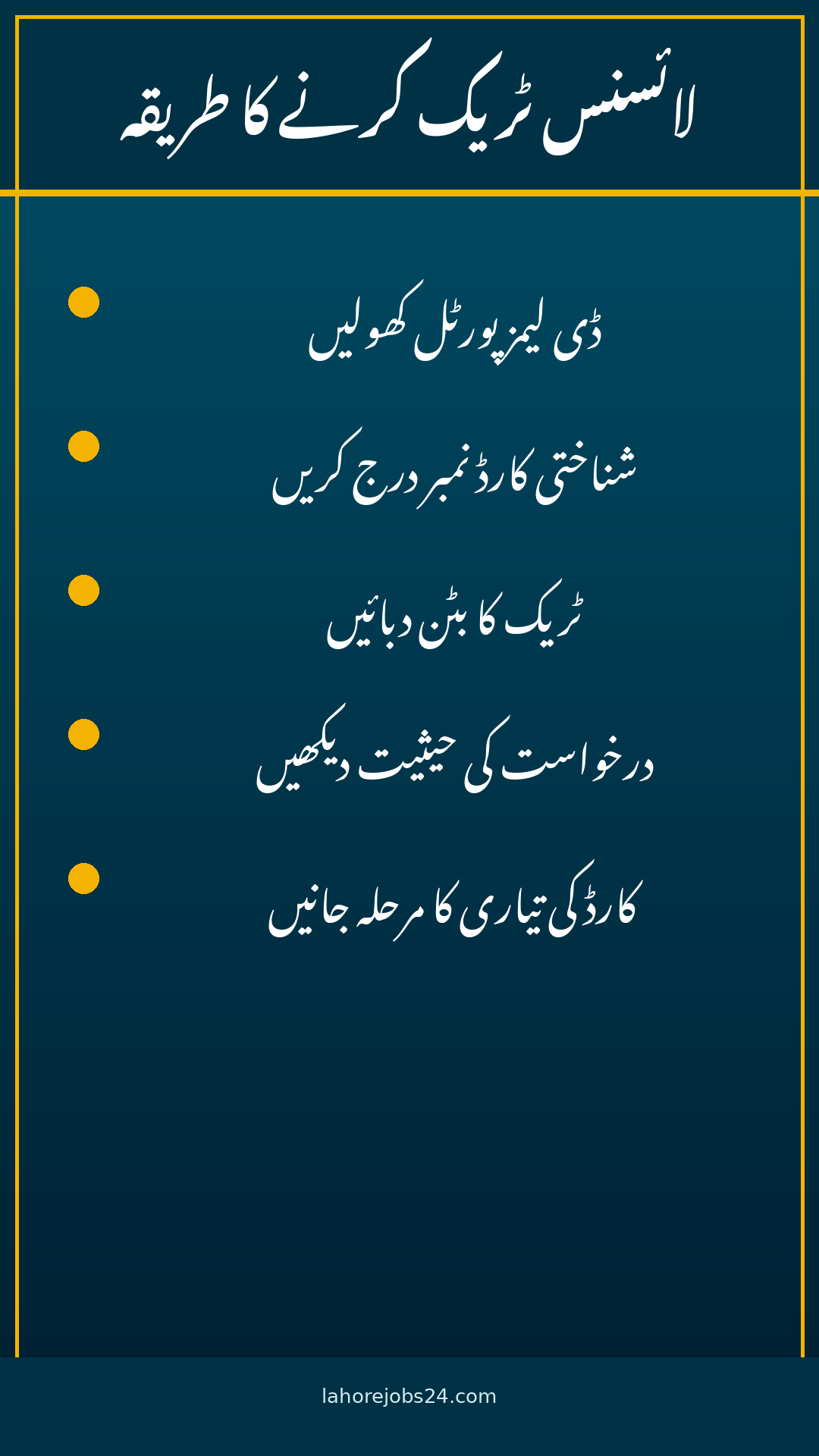
Open the tracking page: Go to the official DLIMS portal linked below and open the Track License page.
Enter your CNIC: Type your 13-digit CNIC number without dashes or spaces.
Complete the check: Answer the small verification sum or captcha shown on screen.
Press Track License: Submit the form and your card’s current stage appears.
Read the stage: The result typically shows whether the application is submitted, under review, approved, being printed or dispatched.
What the Tracking Result Means
Submitted or under review: Your application has reached DLIMS and is being checked.
Approved: The licence exists on the DLIMS record and the card process has moved forward.
Printing or dispatched: The card is being produced or has been sent onward.
No record found: The details do not match, or the application has not reached DLIMS yet. Re-check the CNIC you applied with, especially if you applied very recently.
Stages vary: The exact wording on screen can change as the portal is updated, so treat the labels above as typical stages, not guaranteed wording.
Delivered or collected: Some applicants are asked to collect the card from the centre where they applied; the result or centre staff will confirm this.
Different purpose: Track License follows an application still in progress. Verify License confirms whether a licence already issued is genuine and active.
What you need: The current verification form asks for your CNIC without dashes and your licence number. CNIC alone is not enough for verification.
What it shows: Whether the licence is active, its category (motorcycle, LTV, HTV and so on) and its validity dates.
Who uses it: Employers checking a driver’s credentials, or anyone wanting to confirm a licence is real before relying on it.
Punjab licences only: DLIMS covers Punjab-issued licences. A licence from Islamabad, Sindh or another province will show no record, because it is outside Punjab’s system.
Common Problems and Fixes
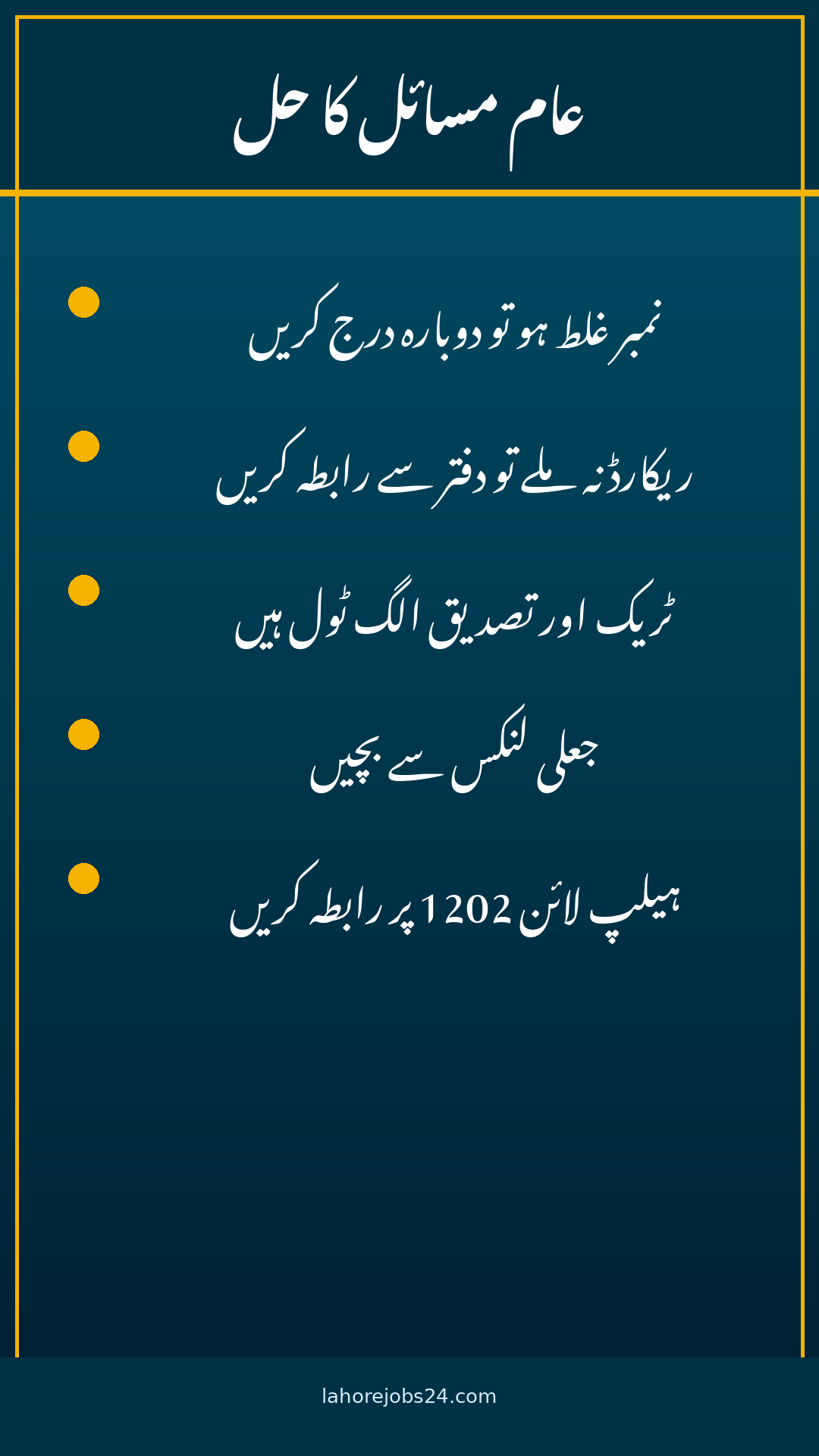
Wrong tool opened: The most common mistake is opening Verify License when you only want to track an application, or Track License when you want to verify an issued licence. Pick the tool that matches your purpose.
Dashes in the CNIC: Enter the CNIC as 13 digits with no dashes; the form rejects the dashed format.
Very recent application: If you applied days ago, the record may not be in DLIMS yet. Wait and check again before assuming a problem.
Keep your receipt: Keep your PSID payment receipt safe. Support staff may ask for it if your card goes missing or the record stalls.
Never use unofficial sites: Do not enter your CNIC or licence details on unknown third-party websites promising faster processing. Use only the official portal.
e-License option: If you need a digital copy, the e-License route asks for your CNIC and date of birth.
Card delivery delays: If the result shows dispatched but the card has not arrived after a reasonable wait, contact support with your CNIC and tracking result.
Screenshot your result: Save a screenshot of each tracking result so you can show exactly what the portal displayed if you need help.
Tracking a Punjab driving licence is a one-minute job once you know which tool to open: Track License with your CNIC alone for an application in progress, and Verify License with CNIC plus licence number for a licence already issued. Enter the CNIC without dashes, read the stage shown, and if nothing moves for a long time, contact support with your CNIC and PSID receipt. Keep the habit simple: check once, note the stage, and check again only if the stage has not moved after a reasonable wait. New applications and renewals now run through Dastak, but the tracking itself still lives on DLIMS — and it is free.
FAQs
How do I track my Punjab driving licence by CNIC? Open the DLIMS Track License page, enter your 13-digit CNIC without dashes, complete the verification check, and press Track License. Your card’s current stage appears.
What is the difference between Track License and Verify License? Track License follows an application still in progress. Verify License confirms whether an already issued licence is genuine, active and within validity.
Can I verify a licence with CNIC only? No. The current verification form asks for your CNIC without dashes and your licence number. Tracking, by contrast, needs only the CNIC.
Why does DLIMS show “no record found”? Usually the CNIC was mistyped, the wrong tool was opened, or a very recent application has not reached DLIMS yet. Re-check the CNIC and try again.
Does DLIMS work for licences from other provinces? No. DLIMS covers Punjab-issued licences only. Licences from other provinces will show no record on the Punjab portal.
Shahzad Sahil is the editor of lahorejobs24.com, covering government jobs, private jobs, bank jobs, results and education news for Lahore and Punjab, with information verified from official sources.