When a bank, an employer or a property office asks whether you are a filer, the answer comes from one official list. The FBR ATL Status Check 2026 tells you in under a minute whether your name is on the Federal Board of Revenue’s Active Taxpayer List. You can check it free by SMS, on the FBR IRIS portal, or in the Tax Asaan app, with no login needed for the basic check.
This guide explains what the Active Taxpayer List is, the three ways to check your status by CNIC or NTN, what an active or inactive result means, and how to become a filer if you are not on the list. The list is published every year on 1 March and updated weekly, so a return filed a few days ago may not appear at once.
Item
Detail
List
Active Taxpayer List (ATL) — Income Tax
Maintained by
Federal Board of Revenue (FBR)
SMS check
ATL, space, 13-digit CNIC to 9966
Online check
FBR IRIS portal, Online Verifications, no login needed
Published
1 March each year, updated weekly
Current list
1 March 2026 list, based on tax year 2025, valid to 28 February 2027
What the Active Taxpayer List Is
The Active Taxpayer List is FBR’s public database of every individual and business that filed its income tax return for the relevant tax year on time, or within the allowed extension. Being on the list is what makes you a filer in the eyes of banks, employers and government offices. The list is published under the Income Tax Ordinance, 2001, and it is refreshed weekly as newly filed returns are processed.
Filer means on the list: You are a filer if your name is on the current ATL, not simply because you hold an NTN or once filed a return.
Individuals and businesses: The list covers individuals, associations of persons and companies, searched by CNIC, NTN, passport number or registration number.
Two separate lists: There are separate lists for income tax and for sales tax, and they measure different things, so check the income tax list for filer status.
Annual publication: FBR publishes the main list every year on 1 March, and each list stays valid until the last day of February the following year.
Weekly updates: The list is updated every week, usually over the weekend or on Monday, so a recent filing normally appears within days.
Tax-year link: The list published on 1 March 2026 is based on returns for tax year 2025, which covers income from 1 July 2024 to 30 June 2025.
How to Check Your Status by SMS to 9966
The SMS check is the fastest way, needs no internet, and works from any mobile phone. It is the best option when you only need a quick yes-or-no answer before a bank visit or a property deal.
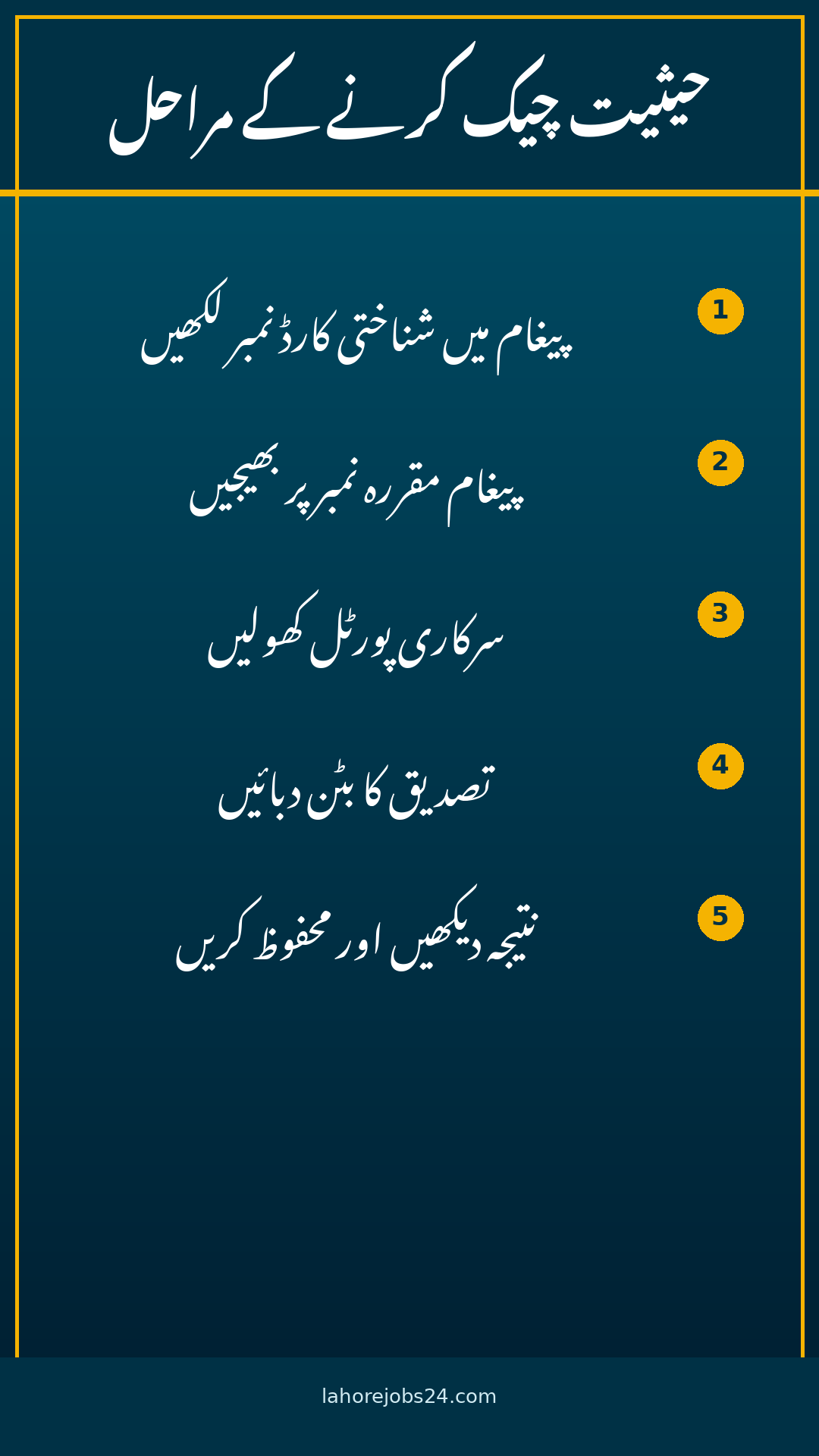
Type the message: Write ATL, then a space, then your 13-digit CNIC number without dashes, for example ATL 3520212345671.
Send it to 9966: Send the message to 9966 from any mobile network.
Read the reply: FBR replies with your ATL status, confirming whether you are active, inactive or not found, along with the date the record was last updated.
Companies and firms: Companies and associations of persons send ATL, a space and their 7-digit NTN to the same number 9966.
Use your own number: Send the SMS from your own mobile number, and never share your CNIC number with strangers who offer to check it for you.
Free of charge: The check itself is free, apart from any normal SMS charge from your mobile network.
The online check gives you the fullest result, showing your name, your registration number and the tax year you are listed for. It needs no login, so anyone can run it in under two minutes.
Open the IRIS portal: Go to the official FBR IRIS portal, iris.fbr.gov.pk, and find the Online Verifications panel on the login page or the Verifications menu.
Select the right list: Choose Active Taxpayer List (Income Tax) from the list of verification options.
Choose the parameter type: Select CNIC for individuals, or NTN for businesses, from the dropdown menu.
Enter your number: Type your 13-digit CNIC without dashes, or your NTN, in the registration number field.
Complete the captcha: Enter the captcha code shown on the screen and click Verify.
Read the result: The result shows your name, your registration number, whether you are on the current Active Taxpayer List, and the tax year you are listed for.
Download option: The full ATL file can also be downloaded from FBR’s ATL download page if you need to search the whole list.
How to Check on the Tax Asaan Mobile App
FBR’s own Tax Asaan app puts the same check on your phone, alongside NTN registration and e-payment options. Download it only from the official app stores, and check that the publisher is FBR before you install it.
Download the app: Install Tax Asaan from the Google Play Store or Apple App Store, and confirm the publisher is FBR.
Open Online Verification: Find the Online Verification section in the app’s menu.
Choose the ATL lookup: Select the Active Taxpayer List check, the same lookup the IRIS portal offers.
Enter your CNIC or NTN: Type your 13-digit CNIC without dashes, or your NTN for a business, and submit the check.
Save the result: Take a screenshot of the result for your record, because banks and offices sometimes ask to see it.
Use official channels only: Never check your filer status through a third-party website that asks for your CNIC and password together.
What Your Result Means and What to Do If You Are Inactive
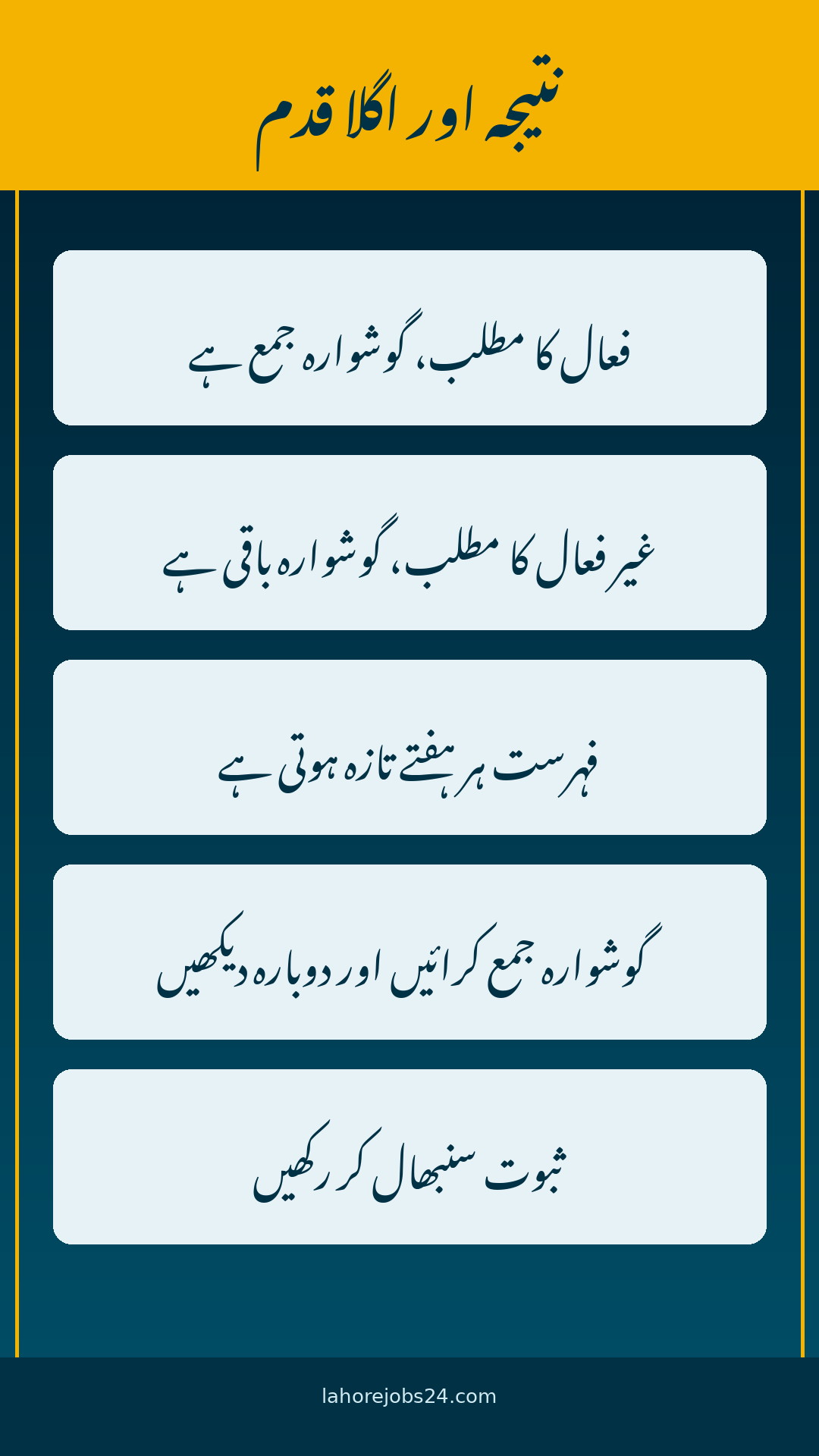
A clear result is easy to act on. An inactive result is not a punishment, and it is usually fixed by filing the missing return, so do not panic if you see it for the first time.
Result
What it means
What to do
Active
You filed on time and are on the current list
Nothing to do until the next tax year
Inactive
Your return is missing or late for the relevant year
File the return through IRIS
Not found
No record under that CNIC or NTN
Register for an NTN first, then file
Late filer
Return filed, but after the due date
Check the current list, as late filers may appear after processing
Recently filed: If you filed your return a few days ago and still show as inactive, wait for the next weekly update, because the list is rebuilt every week.
Wrong number: Re-check the CNIC or NTN you entered, because one wrong digit gives a not-found result for the wrong person.
Wrong tax year: Make sure you are reading the current list, because your status belongs to the tax year the list is built on.
Missing return: If no return was filed for the relevant year, file it through your IRIS account, and your name should appear in a later weekly update.
Check your IRIS dashboard: Your IRIS account shows your filing history, your NTN and your return submission record in one place.
Why Filer Status Matters and How to Become a Filer
Filer status affects the withholding tax you pay on everyday transactions, from bank profit to property purchases and vehicle transfers. Non-filers pay higher withholding rates, so becoming a filer saves real money for anyone with regular income or property dealings.
Lower withholding tax: Filers pay lower withholding tax rates on bank profit, cash withdrawals, property purchases and vehicle transactions than non-filers.
Bank and business dealings: Banks, employers and property offices routinely check ATL status before completing a transaction.
Register for an NTN: If you have no NTN, register on the IRIS portal with your CNIC and personal details to get one.
File the return: File your income tax return for the relevant tax year through IRIS before the due date, which for individuals is normally 30 September, unless FBR extends it.
Tax year 2026 return: The return for tax year 2026, covering income from 1 July 2025 to 30 June 2026, decides your status on the list published in March 2027.
Keep proof: Save the return acknowledgement and the ATL result, because they are the two documents offices ask for most often.
The FBR ATL Status Check 2026 takes less than a minute: send ATL, a space and your 13-digit CNIC to 9966, or run the same check free on the FBR IRIS portal with no login. The current list was published on 1 March 2026, is based on tax year 2025, and stays valid until 28 February 2027, with weekly updates in between. If you are inactive, file the missing return through IRIS and check again after the next weekly update. For the official check, visit the IRIS portal at iris.fbr.gov.pk, or the FBR website at fbr.gov.pk.
FAQs
How do I check my FBR ATL status by CNIC? Send ATL, a space and your 13-digit CNIC without dashes to 9966 by SMS, or use the Active Taxpayer List verification on the FBR IRIS portal with no login.
What is the ATL SMS number? The number is 9966. Type ATL, a space and your 13-digit CNIC for individuals, or ATL, a space and your 7-digit NTN for companies.
When is the Active Taxpayer List published? FBR publishes the main list every year on 1 March, and it stays valid until the last day of February the following year, with weekly updates in between.
Why does my ATL status still show inactive after filing? The list is rebuilt weekly, so a return filed a few days ago may not have synced yet. Check again after the next weekly update.
What is the difference between a filer and a non-filer? A filer is on the current Active Taxpayer List because the return was filed on time. A non-filer is not on the list, and pays higher withholding tax rates on bank, property and vehicle transactions.
How do I become a filer in Pakistan? Register for an NTN on the IRIS portal if you do not have one, then file your income tax return for the relevant tax year through IRIS. Your name appears on the list after processing and the next update.
Shahzad Sahil is the editor of lahorejobs24.com, covering government jobs, private jobs, bank jobs, results and education news for Lahore and Punjab, with information verified from official sources.








1 thought on “FBR ATL Status Check 2026: Check Filer Status by CNIC on SMS 9966 and IRIS Portal”