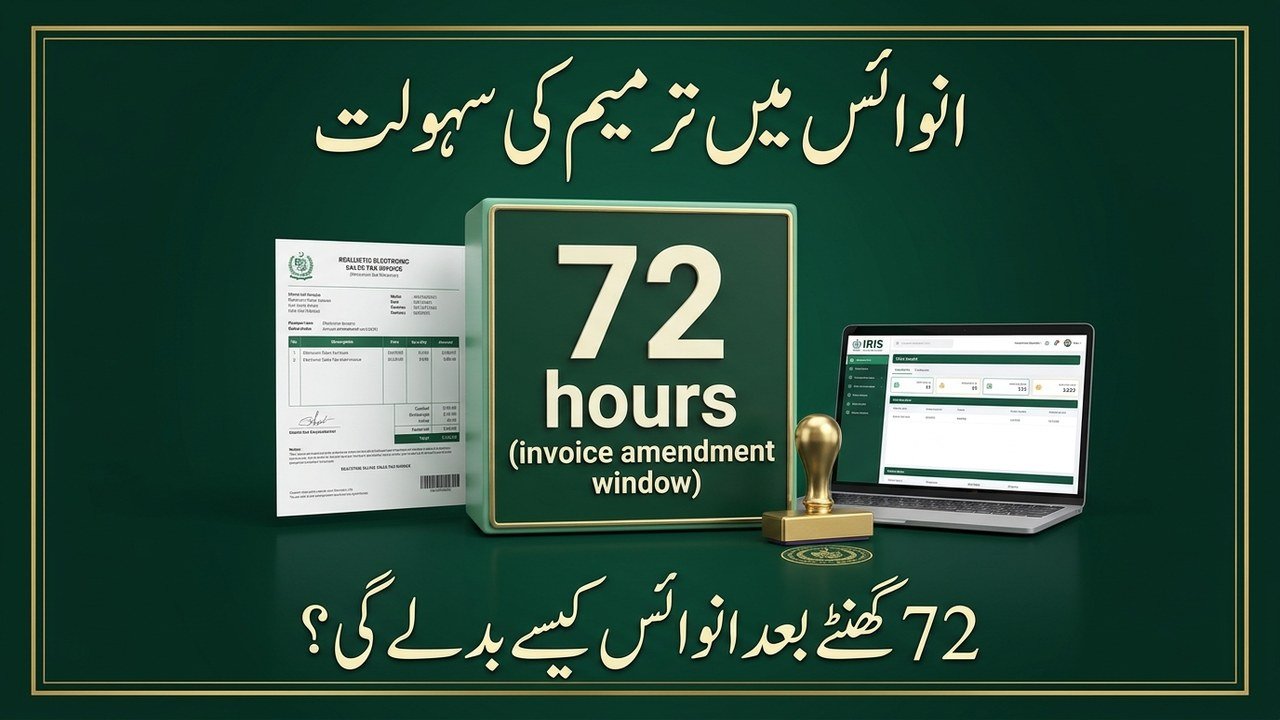
The Federal Board of Revenue (FBR) has introduced a new facility that allows registered taxpayers to amend or cancel electronic sales tax invoices even after the 72-hour limit has expired. The facility has been added to the FBR’s IRIS system, and it gives businesses a proper route to correct genuine errors in old invoices instead of leaving wrong figures in their sales tax records.
Until now, the 72-hour rule was strict. Under Sales Tax General Order No. 01 of 2026, issued in March 2026, a registered sales tax person could only change an electronic sales tax invoice within three days of issuing it, and only for a genuine or bona fide error. After that window closed, no change was possible through the system. The new IRIS facility changes that position, but every request still needs approval from the concerned Commissioner Inland Revenue (CIR). The facility follows a user manual issued by Pakistan Revenue Automation (Private) Limited (PRAL) on Thursday, 5 November 2026.
FBR Sales Tax Invoice Amendment 2026: Key Details
Detail
Information
Authority
Federal Board of Revenue (FBR)
System
FBR IRIS online portal
New facility
Amend or cancel electronic sales tax invoices after the 72-hour limit
Approval required
Yes, from the concerned Commissioner Inland Revenue (CIR)
Background order
Sales Tax General Order No. 01 of 2026 (72-hour cap, March 2026)
User manual
Issued by Pakistan Revenue Automation (Private) Limited (PRAL), 5 November 2026
Old invoices can now be corrected: Taxpayers can request changes to electronic sales tax invoices even after the prescribed 72-hour limit has passed, which was not possible through the system before.
Amendment or cancellation, not both: A taxpayer cannot amend and cancel the same invoice through one application. Once an invoice is selected for amendment, it cannot be selected for cancellation under that application, and vice versa.
Approval is not automatic: Every request is decided by the concerned Commissioner Inland Revenue. The new facility is a route to apply, not a guarantee that the change will be allowed.
Supporting documents can be attached: Taxpayers can attach supporting documents in PDF format with their application, and tax officers can ask for further explanation through the IRIS Internal Correspondence facility before deciding.
Multiple applications allowed: Taxpayers can submit multiple applications for the same tax period, but invoices already included in previous applications, rejected invoices, and invoices with pending decisions cannot be submitted again.
Log in to IRIS: Open the FBR IRIS portal at iris.fbr.gov.pk and log in with your registered credentials.
Open Sales Tax applications: Go to the Sales Tax applications section of the portal.
Select the new option: Choose the option titled “Application for Amendment in Electronic Sales Tax Invoice (after 72 hrs)”.
Select the tax period: Pick the relevant tax period for the invoice you want to correct.
Identify the invoices: Select the invoices through their FBR Invoice Transaction Numbers.
Attach documents and submit: Attach supporting documents in PDF format where needed, then submit the request for the Commissioner’s decision.
Important Restrictions to Know
Annexure-C is blocked while a request is pending: Taxpayers will not be able to submit Annexure-C (Sales) of their sales tax returns until the Commissioner Inland Revenue decides their request.
If approved: The corrected electronic invoices will become available for inclusion in Annexure-C, subject to system validations.
If rejected: The original invoices will remain applicable and will be loaded into Annexure-C and the Federal Excise Return, wherever applicable.
Already-linked invoices are ineligible: Applications involving invoices already linked with Annexure-C of a Sales Tax Return or Federal Excise Return cannot be made, and invoices already approved by the Commissioner under another application are also ineligible.
Only genuine errors qualify: The underlying 72-hour rule permits changes only for bona fide errors, and the new facility is meant to help taxpayers correct errors and discrepancies that cannot be changed through the existing system.
Why This Matters for Businesses
Cleaner sales tax records: Businesses no longer have to carry an incorrect invoice in their records simply because the 72-hour window has passed.
Less risk of disputes: Correcting a wrong invoice through the proper channel, with the Commissioner’s approval, reduces the chance of mismatches during audits and return filing.
A defined process: The facility replaces uncertainty with a clear application route, a named approving authority, and a written record inside IRIS.
Plan around Annexure-C: Because Annexure-C cannot be filed while a request is pending, businesses should apply early and keep the decision timeline in mind before their return due date.
The new FBR facility is a practical relief for registered taxpayers who discover an error in an electronic sales tax invoice after the 72-hour limit. By applying through IRIS and obtaining the Commissioner Inland Revenue’s approval, businesses can now amend or cancel such invoices instead of living with the mistake. Taxpayers should apply as soon as they spot an error, attach proper supporting documents, and remember that Annexure-C filing stays blocked until the decision comes through.
FAQs
Can I amend a sales tax invoice after 72 hours now?
Yes. FBR has added a facility in IRIS that allows amendment or cancellation of electronic sales tax invoices after the 72-hour limit, subject to approval from the concerned Commissioner Inland Revenue.
Where do I apply for the amendment?
Log in to the FBR IRIS portal, open the Sales Tax applications section, and select “Application for Amendment in Electronic Sales Tax Invoice (after 72 hrs)”.
Can I amend and cancel the same invoice in one application?
No. Once an invoice is selected for amendment, it cannot be selected for cancellation under the same application, and vice versa.
Can I file Annexure-C while my application is pending?
No. Taxpayers cannot submit Annexure-C (Sales) of their sales tax returns until the Commissioner Inland Revenue decides the request.
What happens if my application is rejected?
The original invoices remain applicable and will be loaded into Annexure-C and the Federal Excise Return, wherever applicable.
Shahzad Sahil is the editor of lahorejobs24.com, covering government jobs, private jobs, bank jobs, results and education news for Lahore and Punjab, with information verified from official sources.