You submitted your Honhaar application. Now what? You do not need to visit any office or ask any agent to know where your application stands. Your status lives inside your own account on the official portal, and checking it takes only a few minutes. This article shows you the exact steps, explains each stage your application passes through, from submission to merit list, and tells you what to do if something looks stuck, wrong, or still unfinished before the deadline.
Key fact
Current round detail
What it means for you
Current round
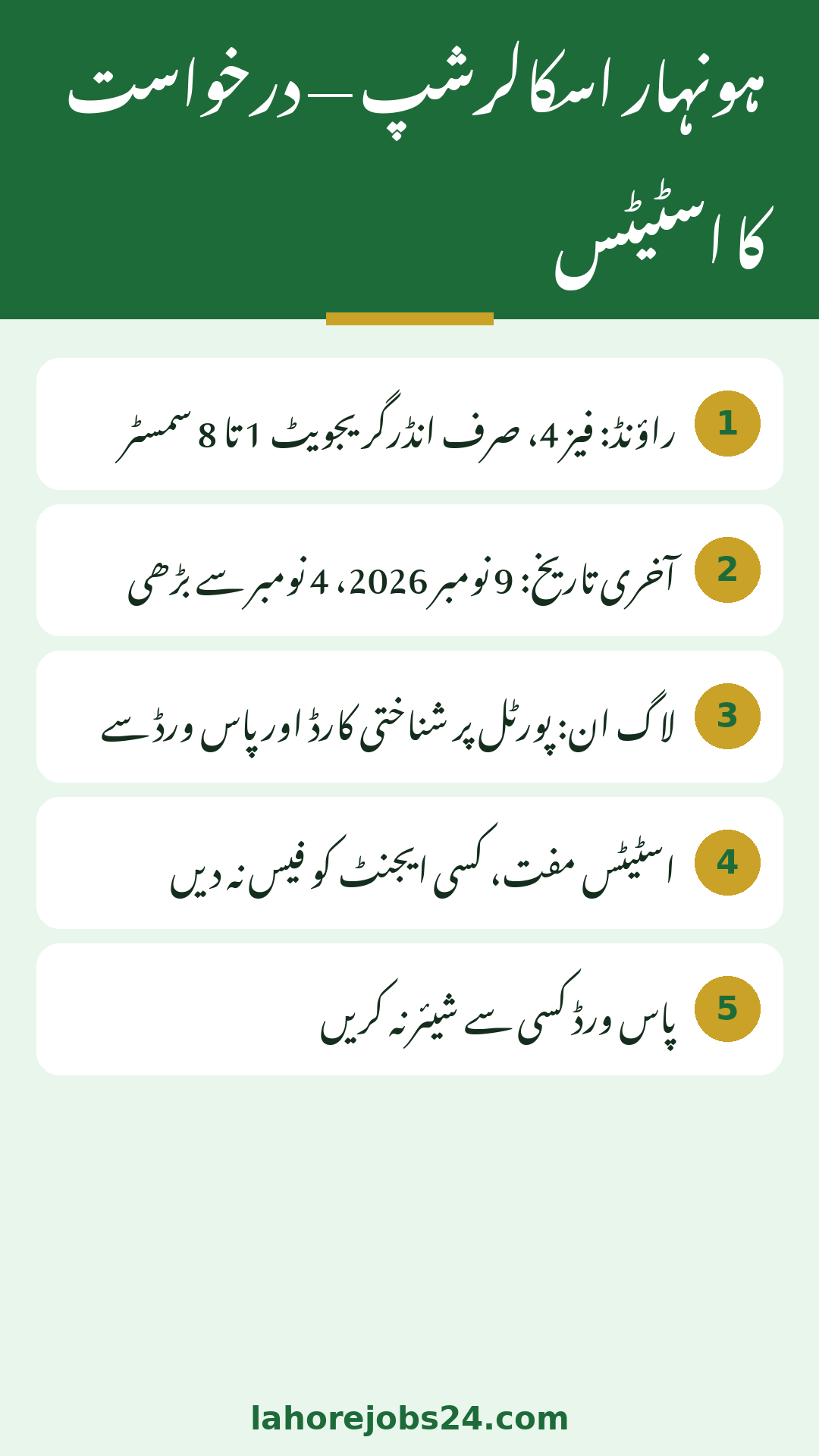
Phase 4, undergraduate programmes
Track only your fresh Phase 4 application
Who is eligible
1st to 8th semester undergraduates only
MPhil, MS and PhD students are not eligible
Application deadline
9 November 2026, extended from 4 November
Finish and submit before 9 November
Status checking cost
Free, inside your own portal account
Never pay anyone to check for you
How Honhaar Status Checking Works
Honhaar does not offer a public page where anyone can type a CNIC and see a result. Your information is protected inside your account, and that is a good thing: only you, with your CNIC and password, can see your application. The same account you created for applying is the account you use for tracking, so there is nothing new to register.
One account: applying and tracking use the same login.
Your keys: your CNIC number and the password you set when you applied.
What you see: the current stage of your application, in your own dashboard.
What it costs: nothing, because status checking is free.
Privacy rule: never hand your password to a shopkeeper, an agent or a friend to check for you.
Safety rule: your account holds personal and family income data, so check it yourself, on your own phone, every time.
Check Your Status Step by Step
Follow these steps in order. The only official address is the portal, so type it yourself instead of following links forwarded in messages, because look-alike pages are a common form of fraud.
If the portal is slow, be patient. In the days around a deadline, thousands of students check at the same time. Trying again after a few hours is smarter than pressing refresh fifty times, and it avoids locking yourself out through repeated failed attempts.
The Stages Your Application Passes Through
Your application does not jump from the form to the final list in one day. It moves through clear stages, and your status reflects the stage it has reached. Knowing the journey stops a quiet status from scaring you.
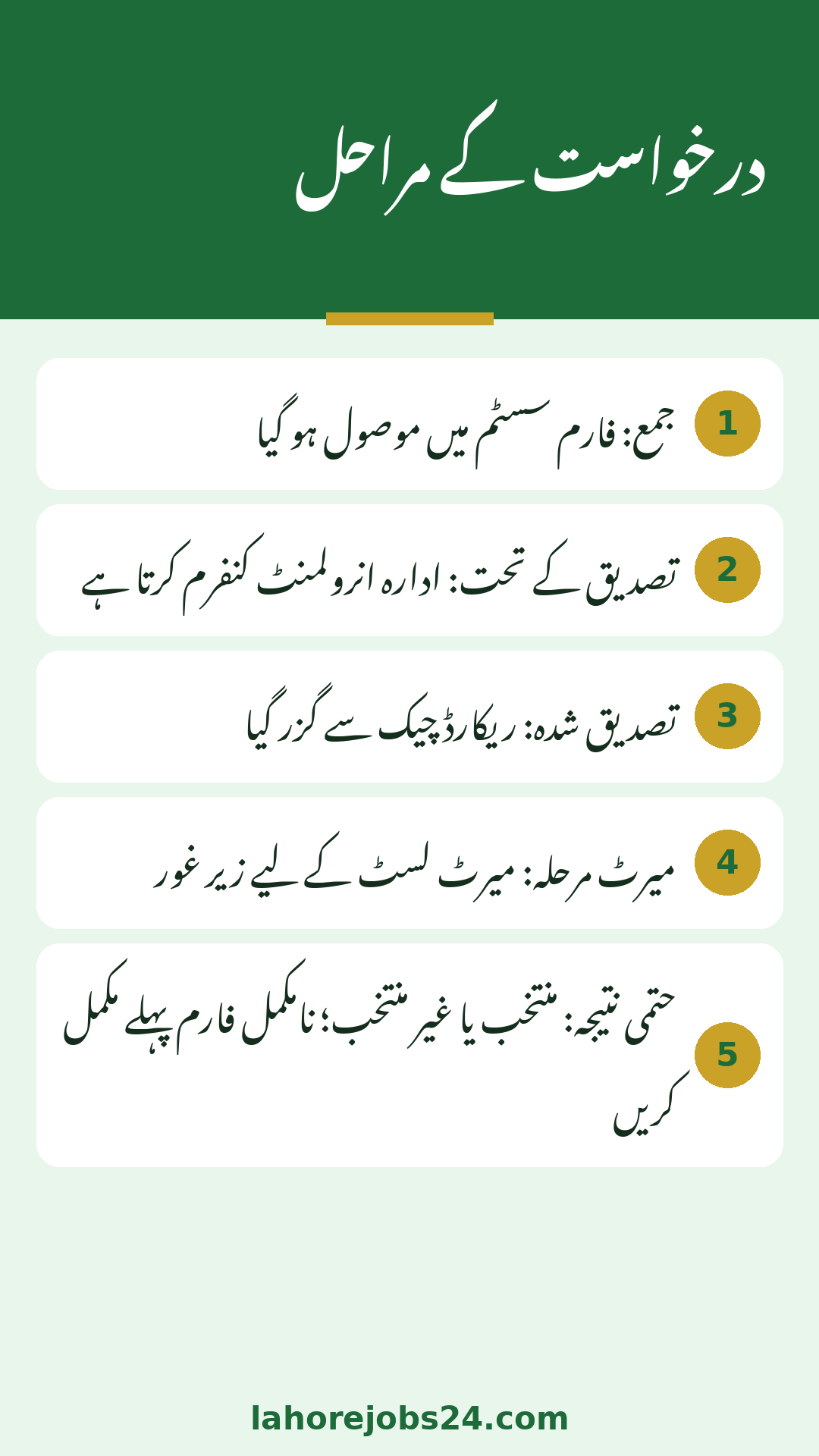
Submitted: your form has been received in the system.
Under verification: your institution is confirming your enrollment and record.
Verified: your record has cleared the checks so far.
Merit stage: your application is considered for the merit list.
Selected or not selected: the final outcome for the round.
Pending or incomplete: your form is not yet fully submitted, and needs attention.
The verification stage is the longest for almost everyone, because your institution has to confirm your enrollment along with hundreds of other students. A status that sits at verification for some weeks is normal, not a problem, especially while the round is still open.
Which Application Are You Actually Tracking
A common confusion is tracking the wrong round. A student applied in an old round and now keeps checking an old application, expecting it to change. It will not. Honhaar rounds are separate, and each round has its own applications.
Old applications: they belong to closed rounds and will not change now.
Current application: the Phase 4 application is the live one to track.
One round, one application: make sure you submitted fresh in this round.
Ceremonies in the news: those are for earlier selected students, not a status signal for you.
Phase confusion: the Phase 2 phrase in some October news belongs to the combined programme launch, not to your current application.
Check now: if nothing shows in your account, you have likely not completed the submission.
If you are not sure whether your Phase 4 application went through, log in and look. A successfully submitted application shows in your account. If nothing shows, you still have time until 9 November 2026 to finish it properly, provided you are an undergraduate in the 1st to 8th semester.
Most tracking problems are login problems, and most login problems are small. Work through this list before you panic or pay anyone for help.
Wrong password: type it slowly, because passwords are case sensitive.
CNIC typed wrong: one wrong digit hides your whole account.
Forgotten password: use the portal’s own recovery route first.
Account confusion: do not create a second account with the same CNIC.
Browser trouble: try again later, or on another phone, if the page does not load.
Help desk: for anything you cannot solve yourself, call 042-99231903 or 042-99231904, or write to honhaar@punjabhec.gov.pk, with your CNIC ready.
When to Contact Your Institution’s Focal Person
Some status issues sit with your institution, not with the portal. If your application stays at verification for a very long time, if your name spelling differs from your CNIC, or if your institution has asked for a document again, your scholarship focal person is the right door to knock on.
Long verification: ask the focal person if your record has been sent forward.
Name mismatch: get the correction started before merit lists are prepared.
Document called again: submit it quickly and keep proof of submission.
Semester or programme change: inform the office so your record stays true.
Eligibility doubt: confirm that your programme and semester fall in the undergraduate 1st to 8th semester range.
Deadline reminder: raise record issues well before 9 November 2026, not on the last day.
Between the portal, the help desk and your focal person, every genuine problem has an official solution. Agents have none. Stay with the official doors, and your application stays safe, accurate and traceable.
Problem
First fix to try
If it still fails
Password not accepted
Retype slowly, check case sensitivity
Use portal recovery, then help desk
No application visible
Check you used the correct account
Complete submission before 9 November
Status stuck at verification
Wait, verification takes weeks
Ask your institution’s focal person
Name spelling differs from CNIC
Raise correction early
Focal person before merit lists
Conclusion
Your Honhaar application status is inside your own portal account: log in with your CNIC and password, read the stage, and stay patient during verification. Track only your fresh Phase 4 application, confirm that you fall in the undergraduate 1st to 8th semester range, and finish any incomplete submission before the extended deadline of 9 November 2026. For login trouble, use the portal recovery route and the PHEC help desk; for record trouble, see your institution’s focal person. Never pay an agent, never share your password, and never trust a forwarded link over the official portal you type yourself.
Open the official portal, log in with your CNIC number and password, and open your application. Its current stage, from submitted to verification to merit, will be shown in your account.
What is the Honhaar application deadline for the current round?
The current round deadline is 9 November 2026, extended from 4 November 2026. Complete and submit your application before that date.
Who is eligible for the current Honhaar round?
Punjab students in undergraduate programmes in the 1st to 8th semester are eligible. MPhil, MS and PhD students are not eligible for this round.
Why does my status stay at verification for so long?
Verification is the longest stage, because institutions must confirm many students’ enrollment and records. A status sitting at verification for some weeks is normal, not a sign of rejection.
What should I do if I cannot log in?
Retype your CNIC and password slowly, use the portal’s recovery route if needed, and do not create a second account. If the problem continues, contact the PHEC help desk on 042-99231903 or 042-99231904.
Shahzad Sahil is the editor of lahorejobs24.com, covering government jobs, private jobs, bank jobs, results and education news for Lahore and Punjab, with information verified from official sources.