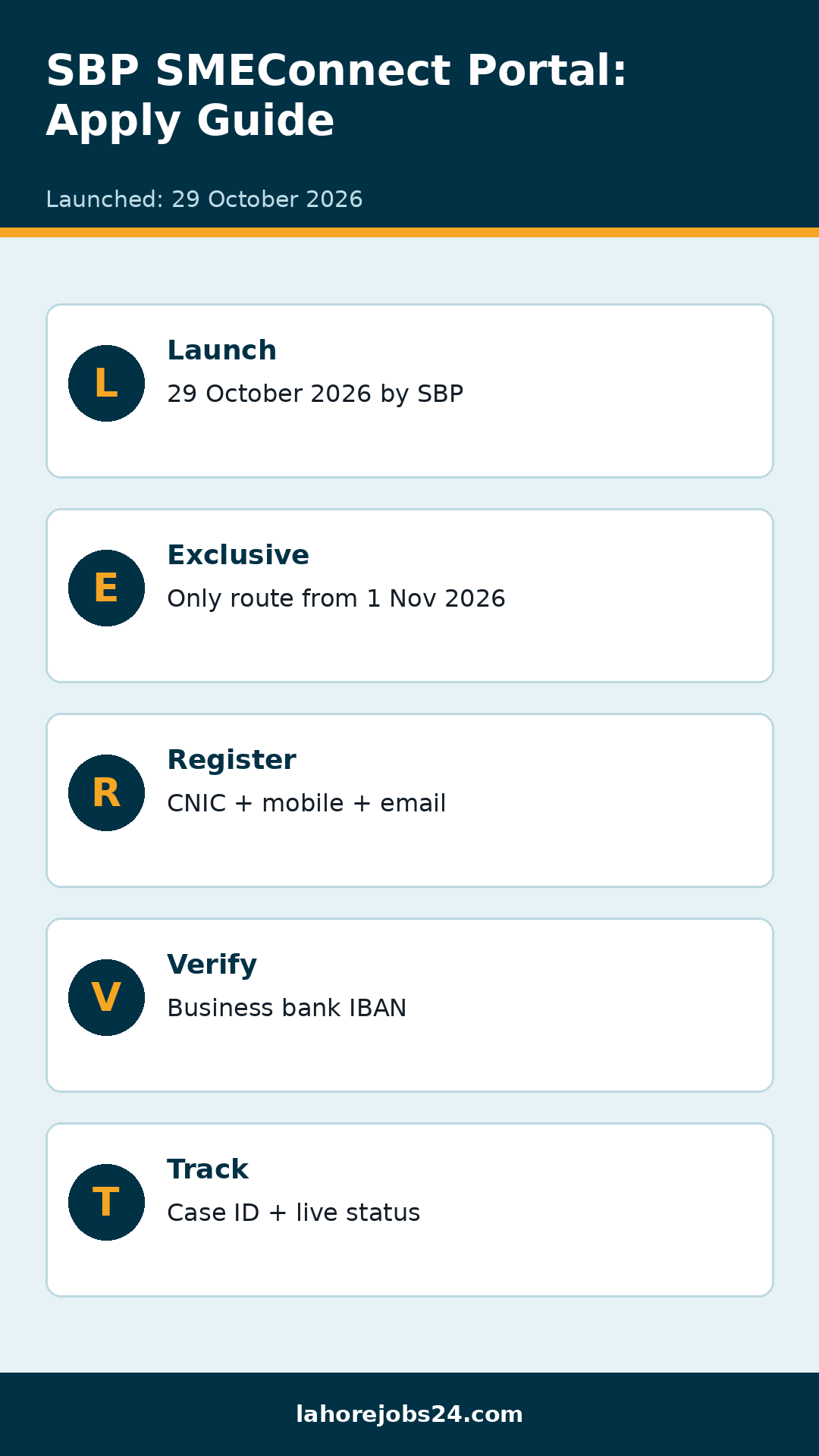
The State Bank of Pakistan (SBP) has launched SMEConnect, a single online portal where small and medium enterprises can apply for bank financing. The portal was launched on 29 October 2026, and from 1 November 2026 all SME financing applications are received exclusively through SMEConnect — business owners no longer need to visit bank branches to start an application. The portal is available in both English and Urdu and connects businesses with banks and development finance institutions (DFIs) on one platform.
A step-by-step tutorial on using the portal was also shared in a BanksNews video on 2 November 2026, walking viewers through account registration, IBAN verification, application submission and status tracking. The channel itself notes that its video is for educational purposes only and that it is not affiliated with the State Bank or any bank.
What Is SMEConnect?
Single portal: One website — smeconnect.sbp.org.pk — for SME financing applications to banks and DFIs.
Exclusive from 1 November 2026: From this date, all SME financing applications are received only through SMEConnect; branches direct applicants to the portal.
Two languages: The portal can be used in English or Urdu.
Real-time tracking: Applicants can track their application status online and see the reason if it is rejected.
Not a new loan scheme: SMEConnect is an application platform, not a new loan programme — banks still decide who gets financing and on what terms.
Who Can Apply?
Pakistani citizens: Applicants must hold a valid CNIC or NICOP.
Legal business: The applicant must be running a legal business that meets the State Bank’s definition of a small or medium enterprise.
Business bank account: Applicants need a bank account used mainly for business transactions; those without one must open an account first.
Approval not guaranteed: Submitting an application does not guarantee approval or disbursement — the bank’s own assessment decides.
Register an account: Visit the official portal smeconnect.sbp.org.pk and click “Please Register”. Enter your full name, mobile number, email address, gender, CNIC number and password, then verify with the security code sent to your email or mobile.
Verify your business bank account: Enter the IBAN of the bank account you mainly use for business transactions. The portal fills in the bank’s name automatically from the IBAN and verifies it.
Add business information: Enter your business name, owner’s CNIC, business email, nature of business, NTN, business status, address, year established, annual sales, business premises and registration authority. Save and confirm the summary.
Apply for new financing: On the dashboard, click “Apply for New Financing”. The application has three stages: business information, financing details and review. Enter the type of financing, the amount required and the repayment period; Islamic financing is also shown as an option.
Submit and track: Click “Submit Application”, read the undertaking and click “Agree & Submit”. The portal shows your application reference, including a case ID, submission date, assigned bank and status. You can also save an application as a draft before submitting.
Loan Amount: What to Keep in Mind
Video title mention: The BanksNews video’s title mentions business loans from Rs 10 lakh to Rs 50 crore — this is the video’s description, not a State Bank guarantee of any amount.
Bank decides: The actual financing amount, rate and tenor depend on the bank’s assessment and due diligence for each business.
No fee mentioned: The portal does not mention any fee for applying.
SMEConnect changes how small businesses in Pakistan apply for bank financing: from 1 November 2026, the portal is the only route for SME financing applications, with registration, IBAN verification, online submission and real-time tracking in one place. Business owners should apply only through the official portal, keep their business details and documents ready, and remember that final approval always rests with the bank.
FAQs
What is the SBP SMEConnect portal? SMEConnect is the State Bank of Pakistan’s single online portal at smeconnect.sbp.org.pk where small and medium enterprises apply for bank financing from banks and DFIs.
From when is SMEConnect mandatory? From 1 November 2026, all SME financing applications are received exclusively through SMEConnect.
How do I register on SMEConnect? Visit smeconnect.sbp.org.pk, click “Please Register”, enter your name, mobile, email, gender, CNIC and password, verify with the security code, then verify your business bank account’s IBAN.
Does applying on SMEConnect guarantee a loan? No. Approval, amount and terms depend on the bank’s own assessment and due diligence.
How can I track my application or complain? Track the status on your portal dashboard using the case ID; complaints can be filed through the SBP Sunwai portal or mobile app.
Shahzad Sahil is the editor of lahorejobs24.com, covering government jobs, private jobs, bank jobs, results and education news for Lahore and Punjab, with information verified from official sources.